
Products

Neural Inverse Build

AI development for regulated engineering: an editor, agents and a command line, under one policy, one approval system and one record.

Includes
Editor, Agents and CLI
Platforms
macOS, Windows and Linux
Models
Through Govern, your own provider or self-hosted
Signs in to
Your organisation's Govern deployment
Licence
Proprietary; source review under NDA

Overview

Build has three parts: an editor for hands-on work, an app for delegating work to agents, and an agent for the terminal and CI. They sign in to the same account and decide every agent action with the same policy engine, set by your organisation in Neural Inverse Govern.

How a change moves

From proposal to record, with a person at every decision that matters.

  1. Propose
    An engineer or an agent proposes a change in the Editor, the Agents app or the CLI.
  2. Decide
    Each tool call, command, file access and host is decided by your organisation's signed policy.
  3. Verify
    Checks and your own tools run on the change. Only signed rules can block.
  4. Approve
    Where policy says so, a named engineer approves. Under an approval rule, enrolled approvers sign with re-authentication.
  5. Record
    Decisions, approvals and gate results go to the ledger. CI re-checks the exact commit.
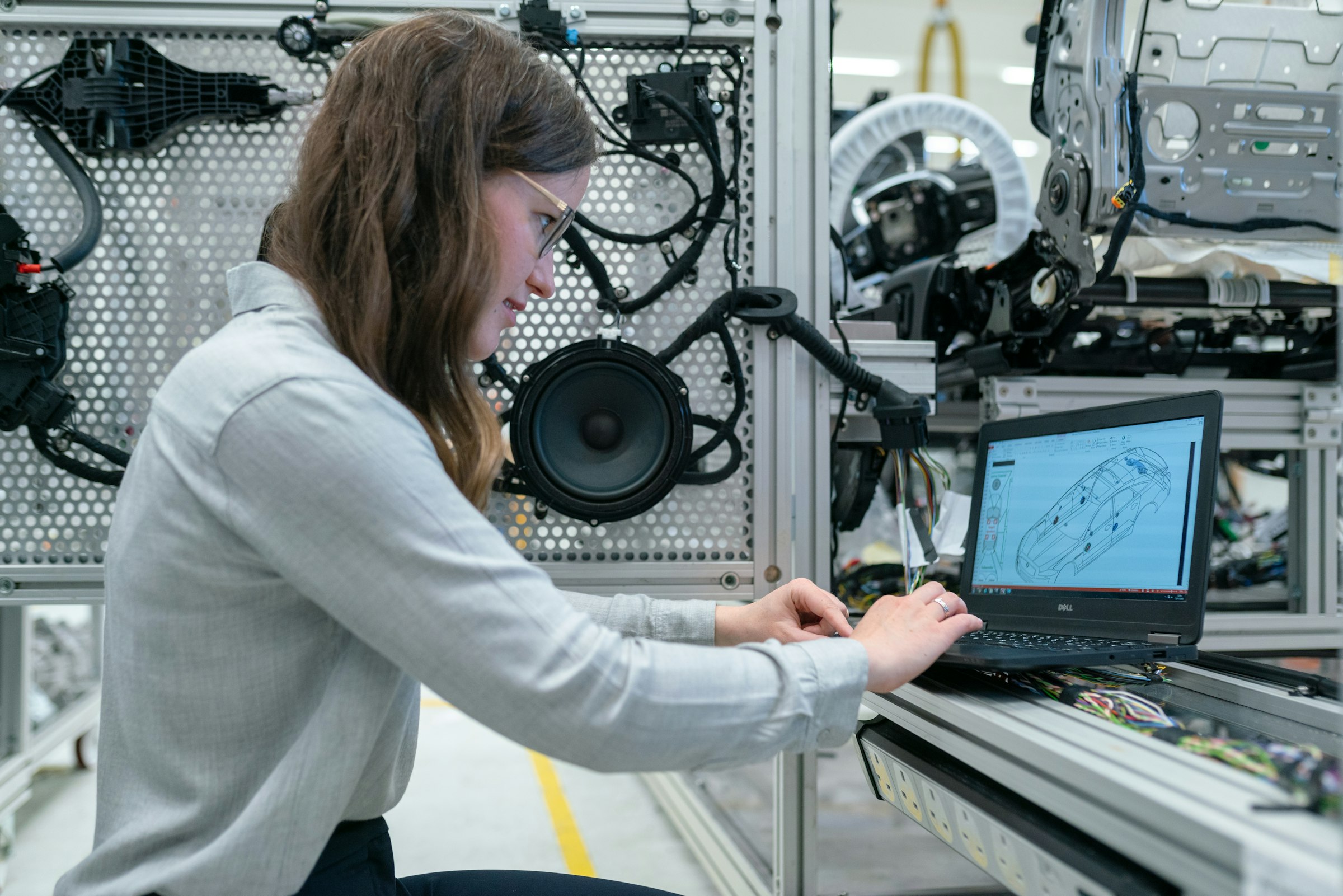
Editor

Hands-on development with AI you review line by line.

Explore Editor
AI assistanceInline completions, chat, and proposed edits you review before you accept them.
ChecksDeterministic analyzers on every change. Only your organisation's signed rules can block.
EvidenceA tamper-evident record on the device, and signed evidence packs for a release or change.
Domain modulesFirmware, FPGA, PLC, DCS, mainframe, substation and automotive work, on your vendor tools.

Agents

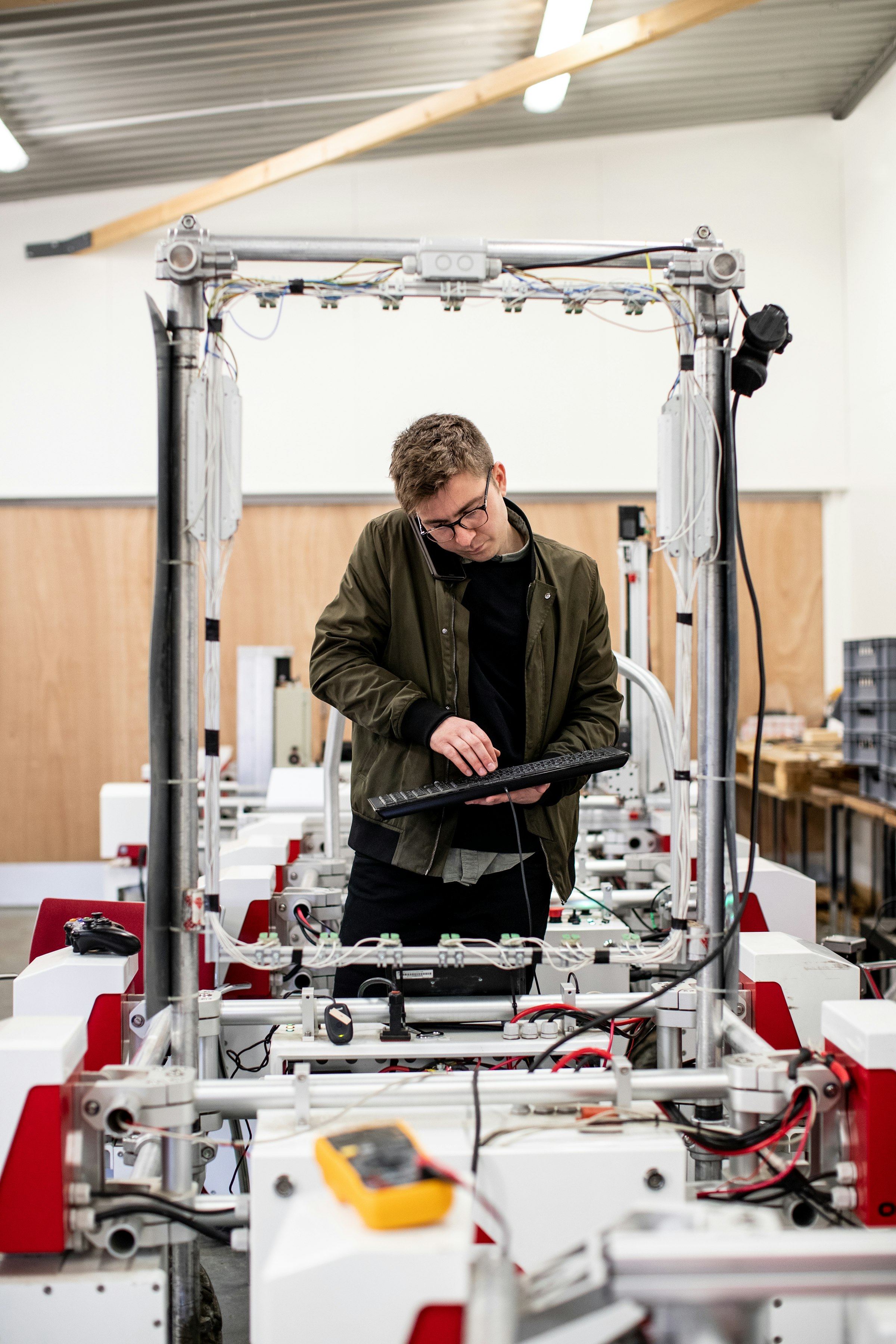
Delegate work. Review every change.

Explore Agents
Parallel sessionsStart several agent sessions, each with its own chat and changes.
Choice of engineClaude Code, Codex or Neural Inverse's own engine, in one agent host.
One policy for every engineYour organisation's rules apply to every engine and win over its own settings.
ApprovalsActions your policy marks wait for a person before they run.

CLI

An AI coding agent for the terminal and for CI.

Explore CLI
Your modelYour organisation's gateway, a provider key or a local model.
Permission modesEvery tool call is checked before it runs. Deny rules always win.
PipelinesRuns non-interactively in scripts and CI, with cost and time limits.
Managed policyAdministrators lock settings, require sign-in and turn on the audit log.

Domain modules

The vendor tools stay yours. The module drives them.

Modules bring firmware, FPGA, PLC, DCS, substation, mainframe and automotive work into the Editor. They are pre-release, and we publish what each one has and has not been run against.

Verification state of each module
Embedded firmwareImports Keil, IAR and STM32CubeIDE projects into CMake; builds with a size report, host unit tests, flashing after a confirmation, debugging and fault decoding. Turns on by itself. Verified: running an image in QEMU. Not yet run on vendor compilers, probes or a board.Arm GCC · Arm Compiler 6 · IAR · OpenOCD · J-Link · ST-LINK · QEMURead the Embedded firmware guide
FPGA and ASICLint on save, testbenches, a waveform viewer, synthesis, utilisation and timing reports. Behind a setting. Verified: the open flow on Linux. Vendor flows are modelled or kit shipped.Verilator · GHDL · Yosys · nextpnr · Vivado · Quartus · Libero · RadiantRead the FPGA and ASIC guide
PLCTwinCAT build with messages in Problems, Structured Text, a read-only target connection with live values, and confirmed, logged writes. Behind a setting. Built and tested on Linux; no vendor tool or controller run yet.Beckhoff TwinCAT 3Read the PLC guide
DCSReads, checks and compares DeltaV configuration exports, with edits that keep the rest of the file byte for byte. Behind a setting. Modelled; a verification kit exists.Emerson DeltaV (FHX)Read the DCS guide
SubstationReads, validates and edits SCL files; COMTRADE analysis; GOOSE and Sampled Values decoding; read-only MMS browsing. Behind a setting. Verified: the SCL reader on 292 public files, and MMS against open-source servers on Linux.IEC 61850 · SCL · MMS · COMTRADERead the Substation guide
MainframeData sets, job submission and spool, and compiling with the shop's own procedure through z/OSMF. Verified: the workstation path on Linux. Not yet run against a z/OS system; a verification kit exists.z/OSMF · Enterprise COBOL · JCL · JES · GnuCOBOLRead the Mainframe guide
AutomotiveDBC, LDF and ARXML with checks; a live bus monitor; UDS over CAN and DoIP; XCP calibration. Turns on by itself. Verified on sample files and against XCPlite. CAN interface backends are kit shipped; no CAN hardware or ECU yet.Vector · PEAK · Kvaser · python-can · UDS · XCPRead the Automotive guide
Embedded LinuxIn early development behind a setting. Not ready for use.Yocto Project · Wind River LinuxRead the Embedded Linux guide

No capability is verified by a customer yet, and most testing so far has been on Linux. Modules run only in a trusted workspace. Product names belong to their owners.

Verification states

Modelled
Built and tested against a model of the vendor engine, such as recorded tool output or a simulated server.
Kit shipped
A verification kit runs the exact inputs against the real vendor tool; its report is pending.
Verified
Run against the real vendor tool, with edition, version and operating system recorded.
Verified by a customer
Run by a customer's engineer on their own project. No capability is here yet.

Models

Your organisation's models, your own, or self-hosted.

Your organisation decides which of these each person may use.

Through GovernIn the Editor and the Agents app, your organisation's models are reached through Govern's model gateway with your own sign-in. Every model is denied until allowed; data loss prevention, budgets and audit apply whichever client calls.
Bring your ownConnect Anthropic, OpenAI, Google Gemini, Azure OpenAI, Vertex AI, Bedrock and other providers with your own key, where your organisation's policy allows.
Self-hostedOllama, LM Studio and vLLM run locally in the Editor and the Agents app. The CLI detects Ollama and takes any OpenAI-compatible server, such as your own vLLM.
Your organisation decidesGovern decides which organisation models each person may use. Policy on the device can deny or require approval for models, and the CLI's managed policy can fix the provider and model.

Policy, approvals and audit

One policy. One approval system. One record.

Each control sits where a modified client cannot skip it, and local bypasses are visible.

One decision pointOne policy, one decision point and one approval system in the Editor, the Agents app, every agent engine, the CLI, git hooks and CI.
Signed policyPolicy bundles are signed with Ed25519 and verified on the device. Older versions are refused, and a Govern policy only adds restrictions.
Electronic signaturesAn approval is a signature record in the repository, with the signer's name, time, meaning and reason, made with re-authentication and verified by CI.
Audit ledgerAn encrypted, tamper-evident record on the device of what people, agents, extensions and command-line tools do. Uploading goes only to your own Govern deployment.
Evidence packsSigned packs with OSCAL, in-toto, SLSA and CycloneDX, verifiable offline. Evidence toward your requirements; certification stays with you and your assessor.
What binds whereAgent actions bind in the agent host, merges and releases in your CI, and model access, data loss prevention and budgets in Govern.

Where it runs

On engineers' machines, against your own Govern.

DesktopThe Editor and the Agents app on macOS, Windows and Linux, installed together from your administrator's installer.
Terminal and CIThe CLI on macOS, Linux and Windows, from npm or a checksum-verified binary, including from an internal mirror.
Your Govern deploymentThe apps sign in to your organisation's own Govern deployment, which can be self-hosted, including on premises.
Without internet accessLocal models, a self-hosted Govern and policy decided on the device. No telemetry is sent to Neural Inverse.

Documentation

Read how each part works.

Installation, sign-in, models, governance and the domain modules.

Works with Neural Inverse Govern

Your security team sets the rules once. Build follows them everywhere.

Sign-in, approved models, agent policy and the audit record are managed in Govern, which also covers the third-party AI tools your teams use.

Explore Govern

Talk to our team.

Neural Inverse is available by request. We work with your engineering, security and procurement teams from the first conversation.

Neural Inverse Build · Neural Inverse